

Venue-manager guide
Run the machine desk with confidence.
Start with today's work, then move into the exact task you need. Public guidance explains the process; venue-specific details stay inside the authenticated portal.
What do you need to do?
Choose the task in front of you. Each guide explains the decision, the exact action, and the result to check before you move on.
Your workspaces at a glance
One scoped account covers the whole machine desk. These are the portal workspaces you will use day to day — the guides above walk through each task step by step.
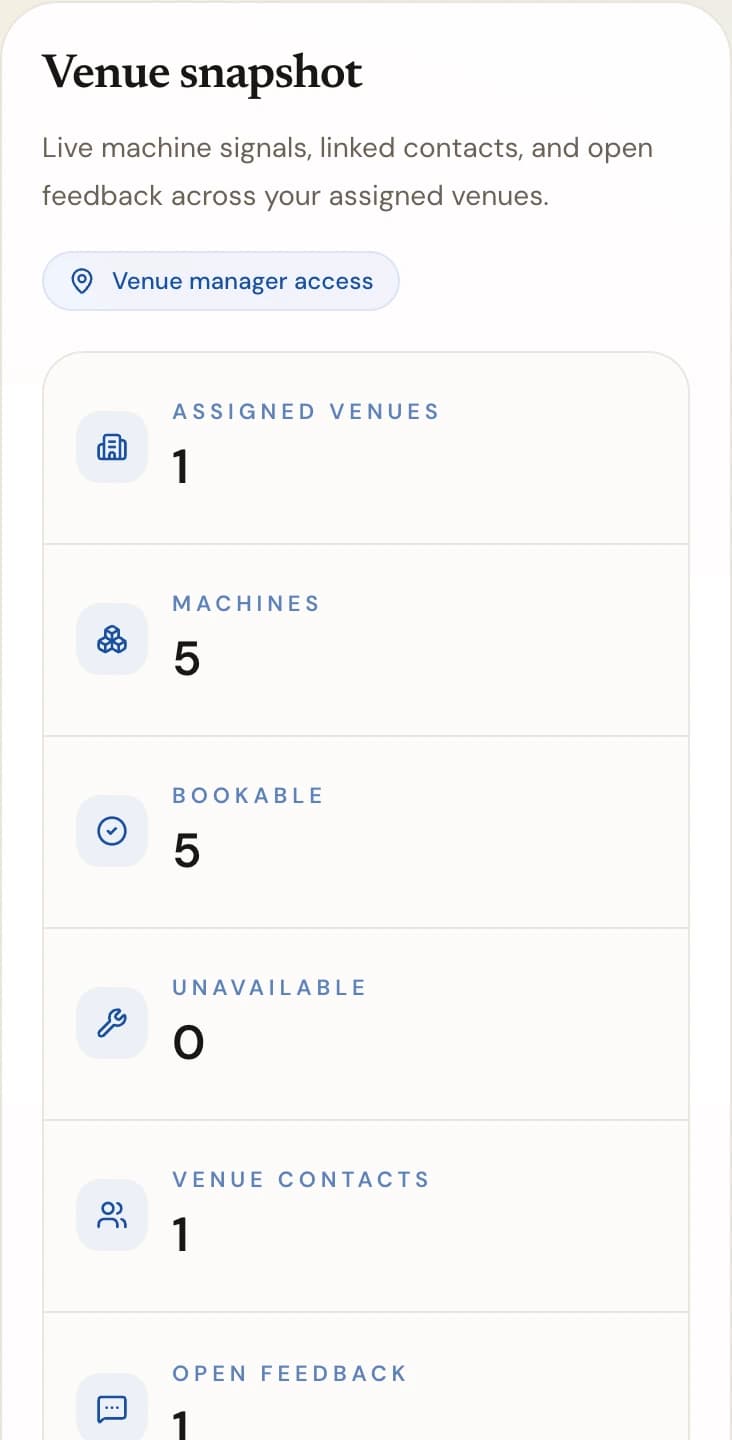
See your venue at a glance
The portal overview counts your assigned venues and machines, shows how many are bookable, and flags access or telemetry issues that need attention.
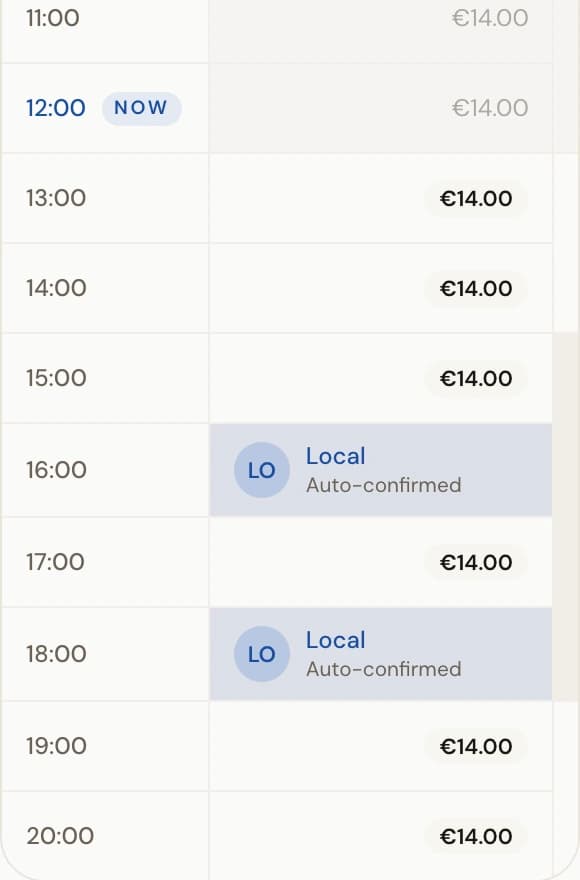
Run today's bookings
The Sessions workspace shows every slot of the operating day — free, booked, held, or blocked — and covers walk-in claim codes and cash bookings.
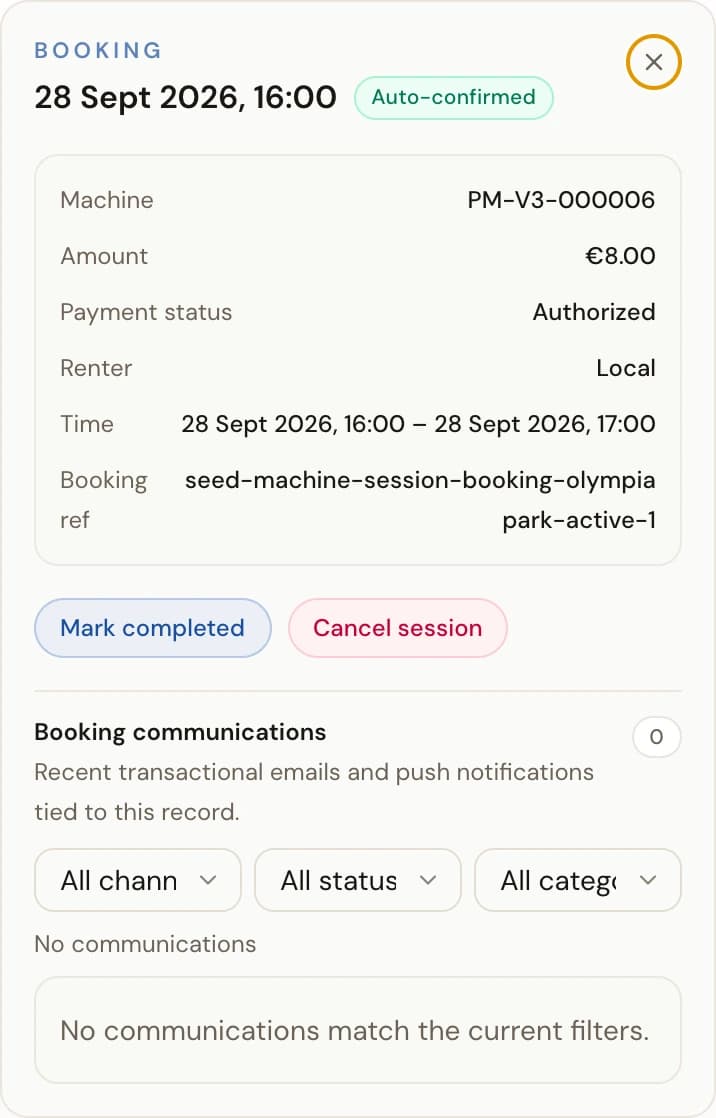
Hand over and take back machines
Handover and return run through the scanner in the PeachMe app; booking details in the portal are your fallback for completing or cancelling a session.
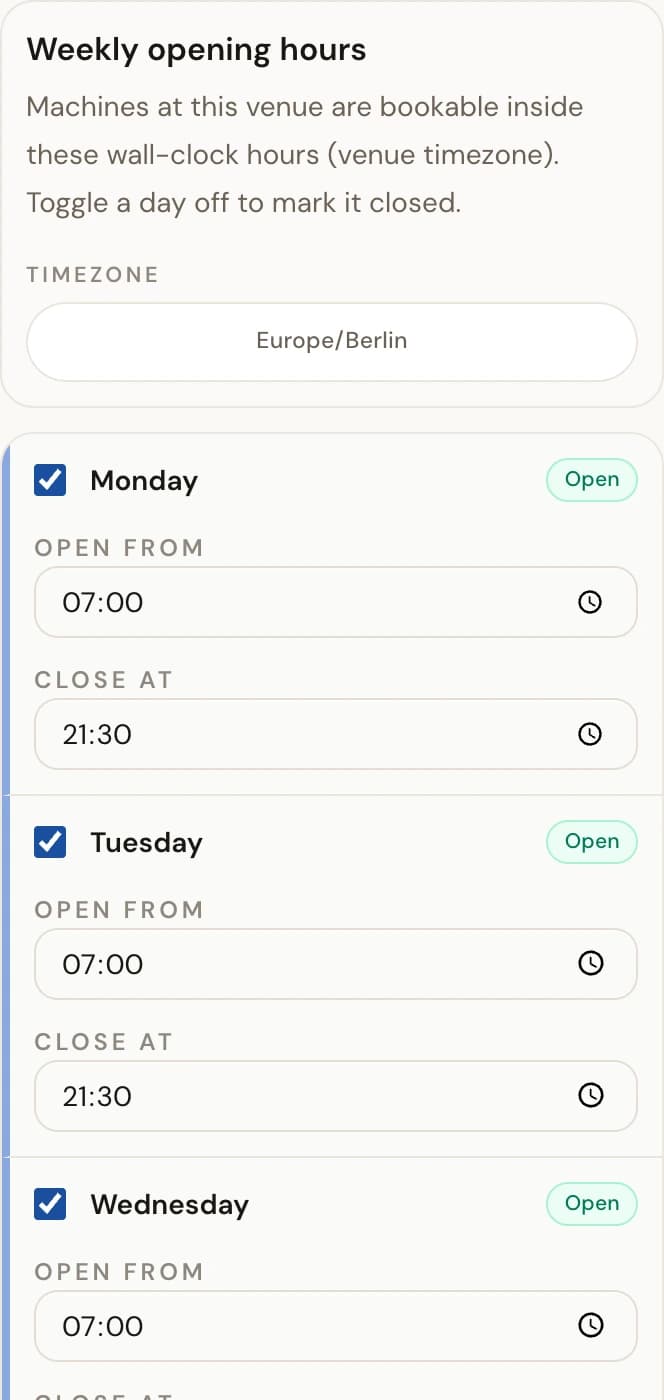
Shape when players can book
Weekly opening hours set the venue's regular pattern, and per-machine blocked time carves out maintenance, training, and private events.
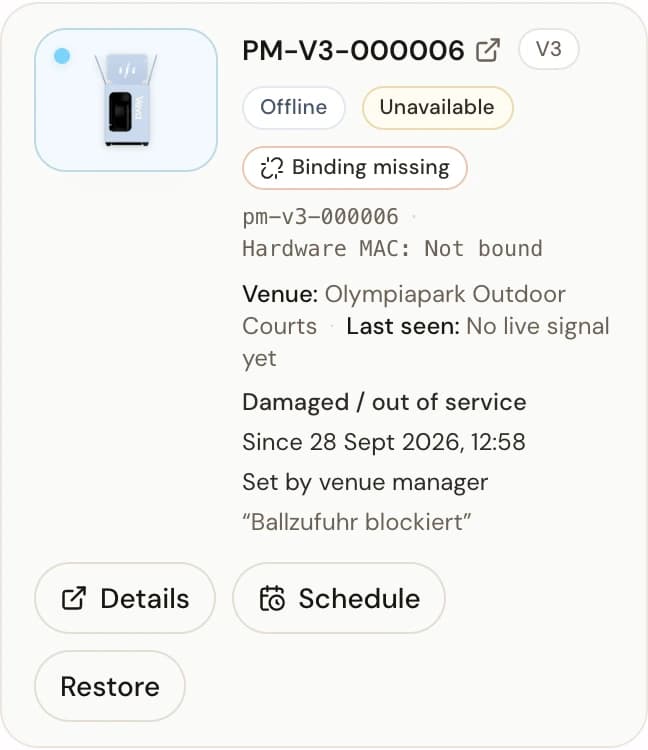
Protect players from faulty machines
Mark a machine unavailable to stop new bookings immediately, record the reason, and restore it once it is safe and complete.
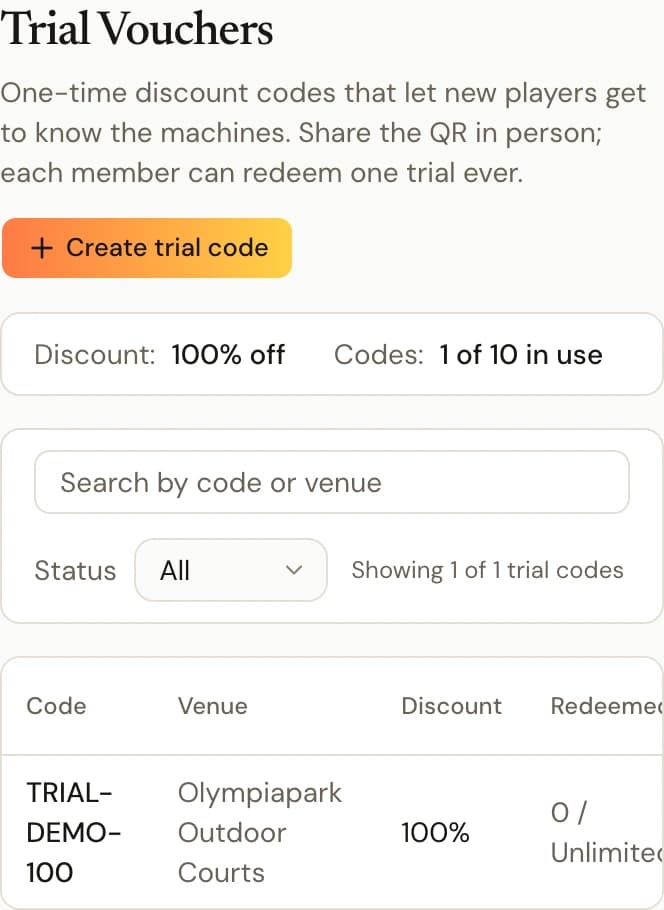
Welcome new players with trial vouchers
When PeachMe enables a trial policy for you, issue single-use codes for your venues; the discount and quota are fixed by the policy.